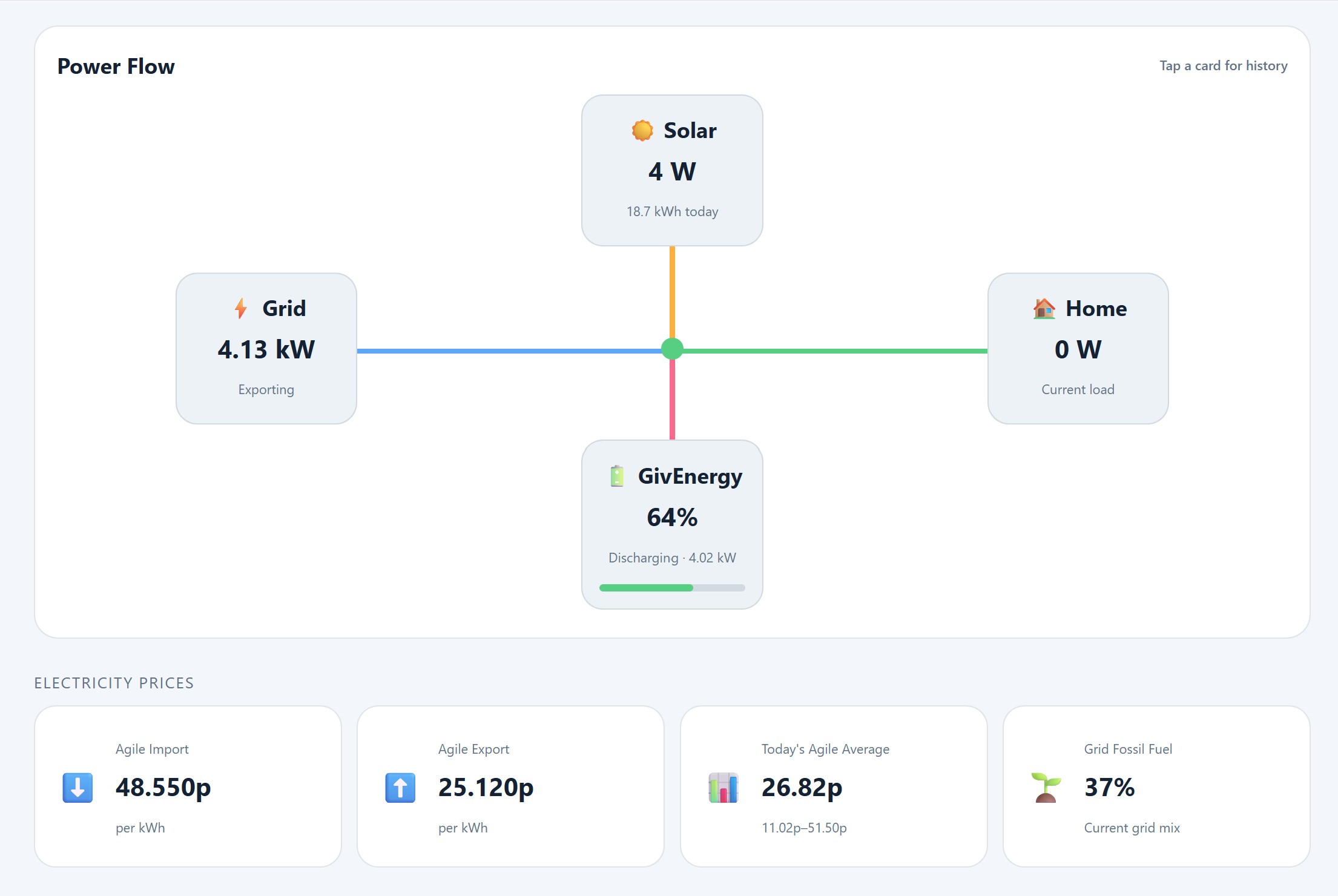
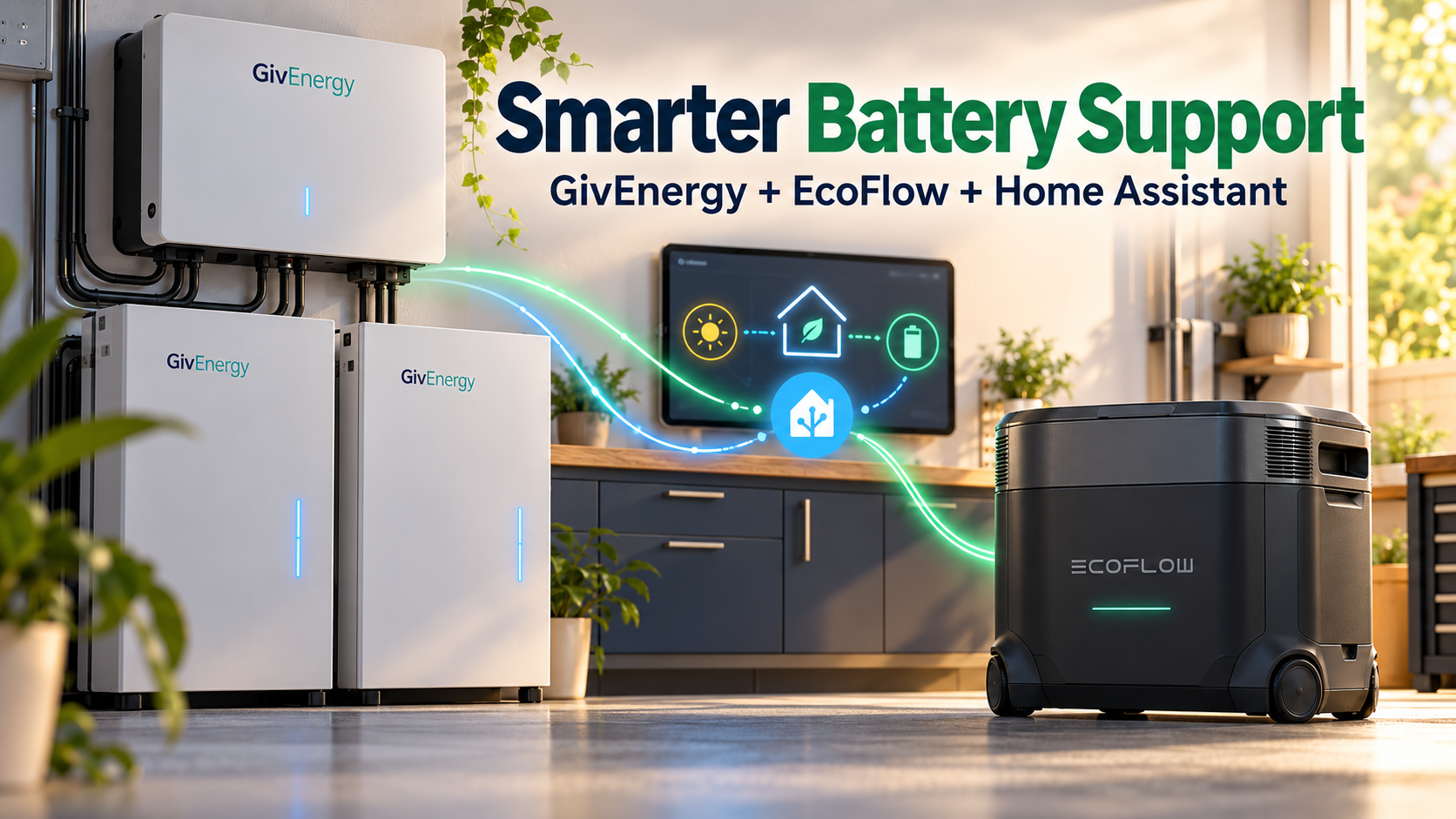
My GivEnergy system does most of the work when it comes to storing solar energy and powering the house. But there are times when the house needs more power than the main battery system can deliver.
Rather than leave my EcoFlow batteries working to a fixed discharge schedule, I use Home Assistant to bring them in when the GivEnergy battery is working hard.
The useful part is that this works without a dedicated EcoFlow meter. Home Assistant uses the readings already available from my GivEnergy system to decide when the EcoFlow batteries should help.
Why a full battery can still mean importing electricity
My setup has a GivEnergy Gen 3 hybrid inverter and two 9.5 kWh batteries, giving me around 19 kWh of storage.
That provides plenty of stored energy, but storage capacity and discharge power are different things.
In my installation, battery discharge tops out at roughly 3.6 kW. If the house needs more than the battery can supply, and solar generation cannot cover the difference, the remaining power comes from the grid.
That can happen even when there is plenty of charge left in the batteries.
During the evening, several appliances running together can push demand beyond that limit. This is where my EcoFlow AC Pro units can provide useful support.
Home Assistant watches the GivEnergy discharge
The automation uses GivEnergy battery discharge power as its trigger.
Between 16:00 and 21:00, Home Assistant watches how hard the main battery is working. When discharge reaches 3.4 kW or above, it raises the EcoFlow discharge setting to 1,200 W.
The idea is to bring in support just before GivEnergy reaches its approximate discharge limit.
As the EcoFlow units supply their connected loads, those loads place less demand on the main system. That gives GivEnergy some breathing room and can reduce the electricity I need to import.
The EcoFlow batteries are supporting the household load alongside GivEnergy. They are not charging the GivEnergy batteries.
Why I use a different threshold to stop support
Once the extra demand has passed, I do not want the EcoFlow batteries to keep discharging unnecessarily.
Home Assistant returns their discharge setting to 0 W when GivEnergy discharge stays below 2.1 kW for two minutes.
Using different start and stop thresholds prevents the system from repeatedly switching around one power level.
There is another reason for leaving a gap: when EcoFlow support starts, GivEnergy discharge should fall. If the stop threshold were too close to the start threshold, that successful reduction could immediately switch the support off again.
The two-minute delay also stops a brief dip in demand from ending support too quickly.
How it works without an EcoFlow meter
A dedicated EcoFlow meter is not part of this control loop because Home Assistant already has the signal I need: the GivEnergy battery discharge reading.
The arrangement is straightforward:
- GivEnergy provides the battery discharge reading.
- Home Assistant checks the time and power thresholds.
- Home Assistant adjusts the EcoFlow discharge setting.
- The EcoFlow units provide support through their connected loads.
This is threshold-based support rather than exact matching of every watt flowing through the electricity meter.
For my purpose, that is enough. I want EcoFlow to help when GivEnergy approaches its discharge ceiling, then step back when demand settles down.
Charging and discharging need to work together
This support automation is one part of my wider battery setup.
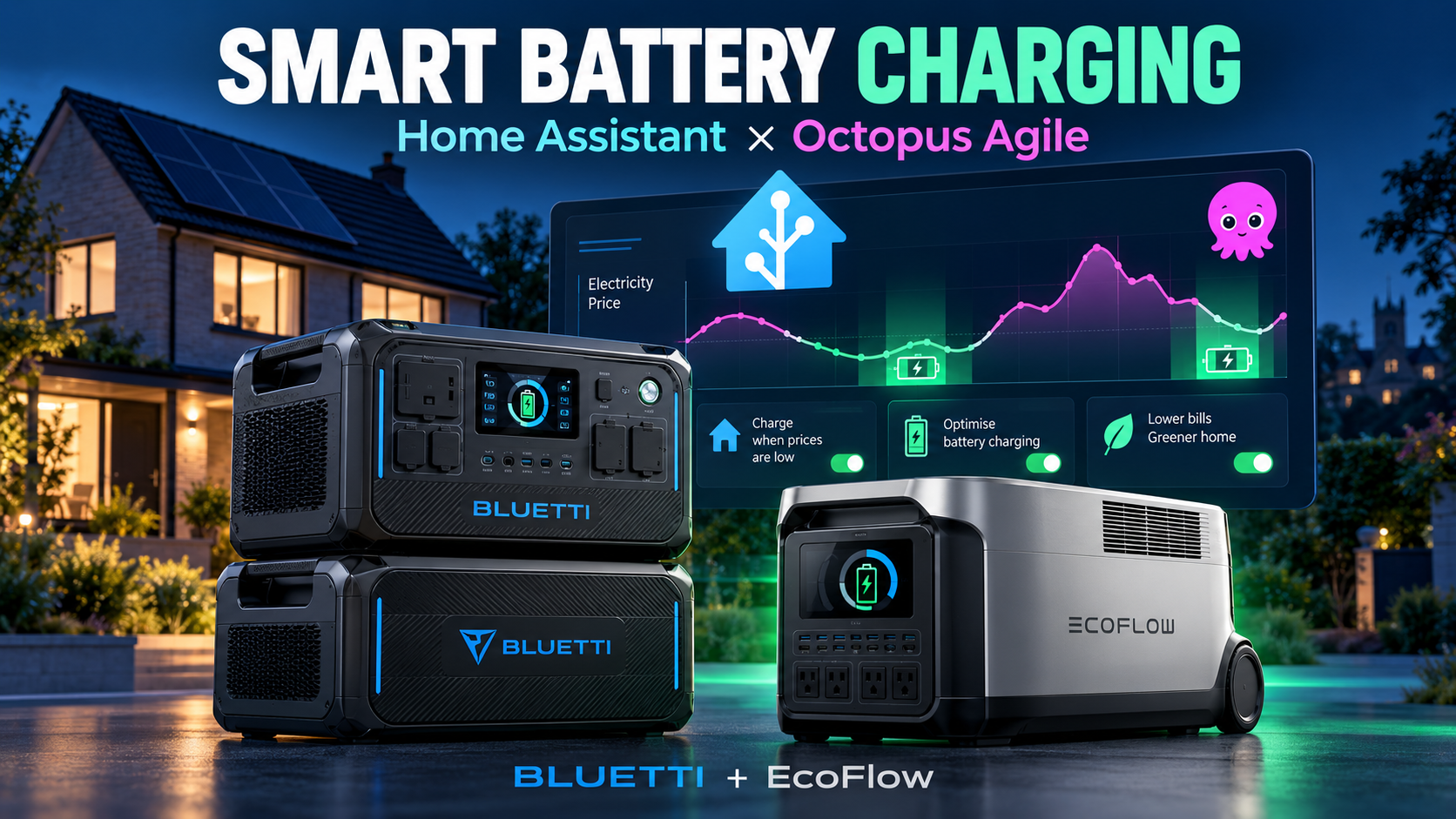
Home Assistant also plans EcoFlow charging around Octopus Agile prices. Charging is locked out during the 16:00–21:00 support window, so the charging routine does not compete with the evening discharge routine.
When charging starts, the EcoFlow discharge task is disabled. When charging finishes, the discharge task is restored with its setting at 0 W, ready for the support automation to call on it.
I also have a manual 30-minute discharge option, which has been useful for testing the behaviour.
What this setup achieves
The GivEnergy system remains the main battery system. EcoFlow provides extra support when the main battery approaches its power limit.
It does not guarantee zero grid import. That still depends on household demand, solar generation, available battery charge and how quickly the devices respond.
What it does give me is a practical way to make the batteries work together using Home Assistant and the measurements I already have.
Combined with charging during cheaper Agile periods, it means the EcoFlow batteries have two useful jobs: storing cheaper electricity and helping the GivEnergy system during higher demand in the evening.